When flying an actual aircraft, an important component of the feedback a pilot senses — apart from visual and vestibular cues — is haptic: the forces transmitted from the control surfaces back to the control stick (or yoke). For example, one of the first signs of an approaching stall is often wing buffeting, which is transmitted through the control chain back to the pilot. Similarly, as the aircraft continues to accelerate, the controls become heavier due to the increase in dynamic pressure.
In order to obtain haptic feedback in flight simulation, so called force feedback hardware is necessary. Joysticks with this capability comprise of a robust gimbal, a set of brushless DC motors driven by Field-Oriented Controllers for precise control of its speed and torque and high-precision rotary encoders. All of these components make the joystick very costly. Usually, the price for a new one starts at higher hundreds of dollars. And that got me thinking – is there a way to get at least some haptic feedback for a fraction of price? That’s when I thought of small shaker motors that are inside every Xbox or PlayStation controller. If I can attach these to a joystick and pick up data from the simulator, I should be able to recreate at least some physical feedback like buffeting, touchdown etc. After doing a bit of research, I found that this solution is utilized by WinWing Ursa Minor joystick. Albeit, with a very tiny shaker motor.
Digital Combat Simulator which I play from time to time offers a native ForceFeedback data through a USB HID protocol (Human Interface Device, a joystick, mouse etc.). That means whenever there’s an in-game event that causes a haptic feedback, it sends out a signal to any connected HID device. So I don’t need to check constantly for in-game events, all it takes is just read the HID messages. There are several types of feedback embedded in the protocol that can be requested from a device:
- Constant force
- Ramp force
- Spring force
- Damping force
- Inertia force
- Friction force
These forces cannot be reproduced by a mere shaker in any way. But there are also other types of signals that could represent a vibration (if their frequency is high enough):
- Square wave force
- Sine wave force
- Triangle wave force
- Sawtooth wave force
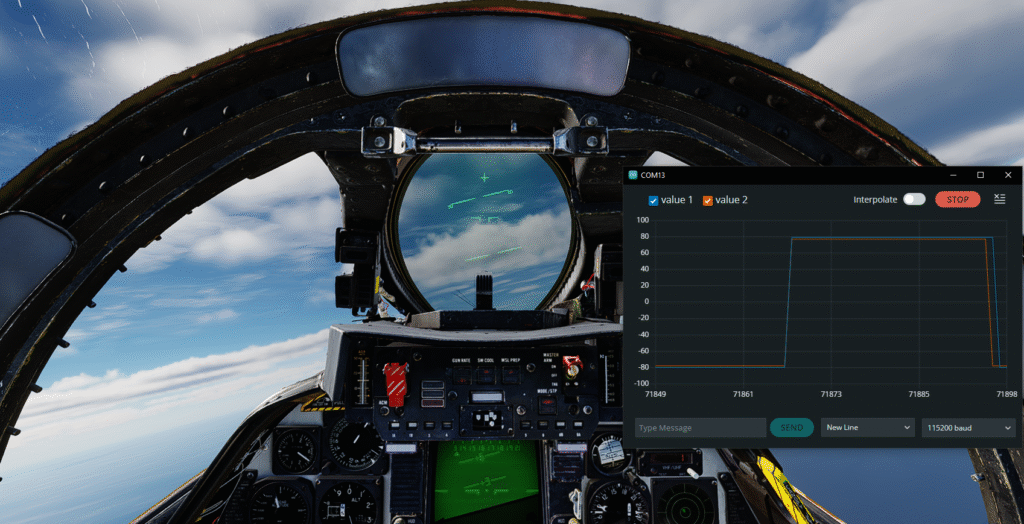
So I started to listen for these simply by setting their gain to maximum. I used the Arduino Joystick Library by M. Heironimus.
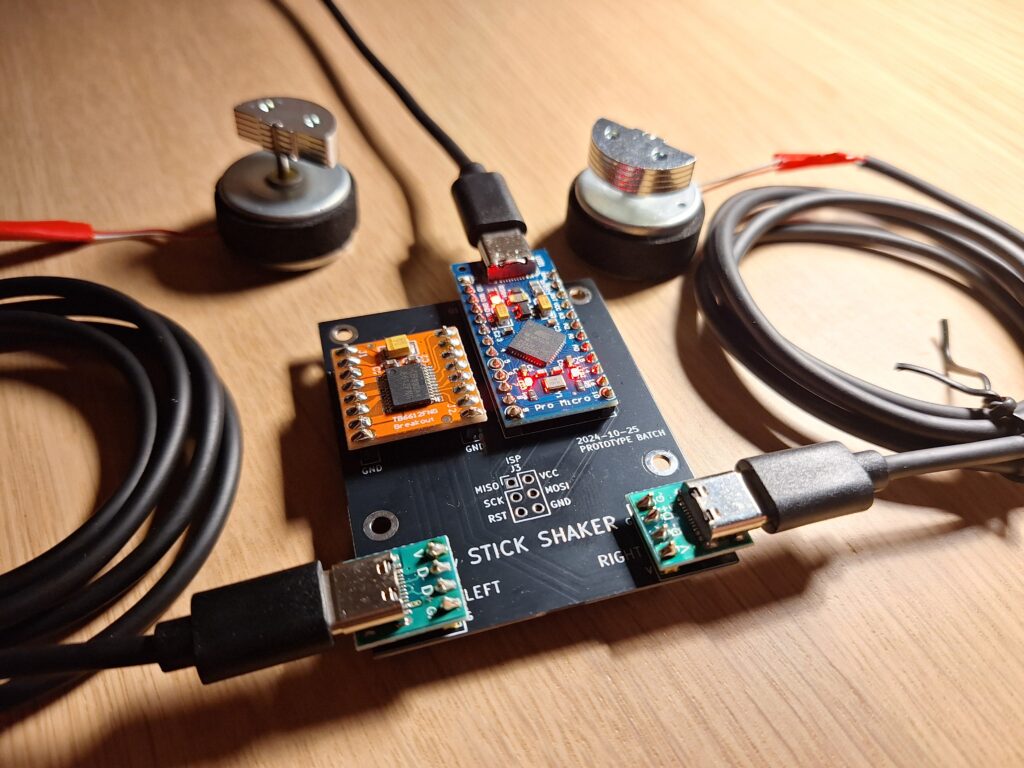
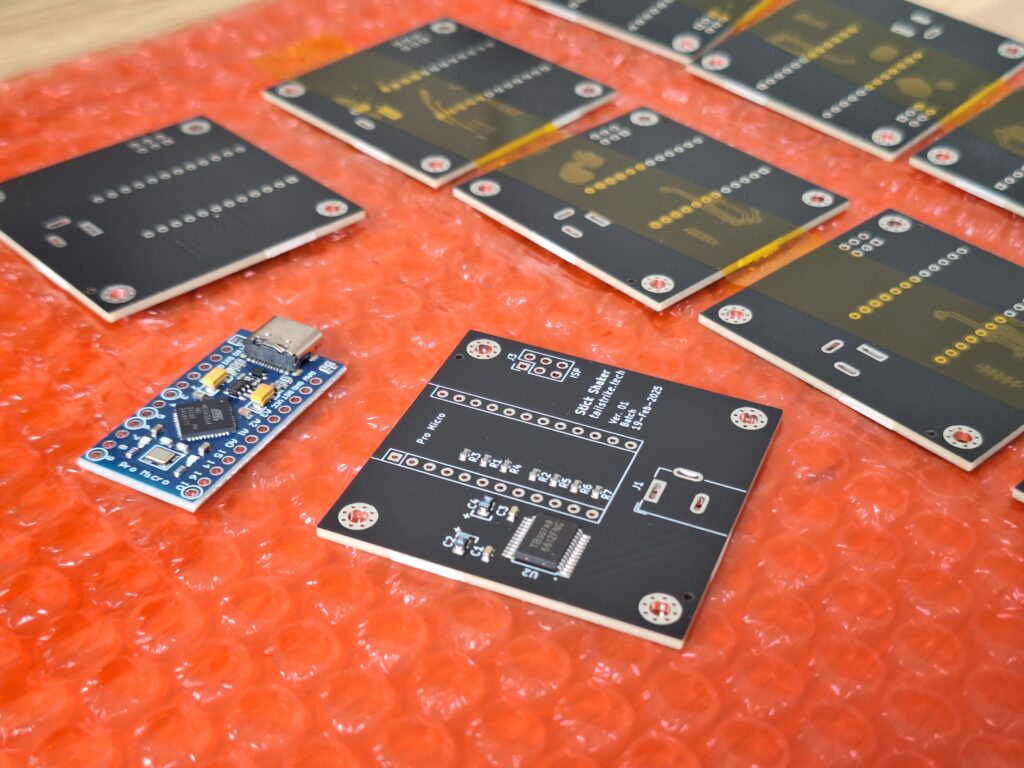
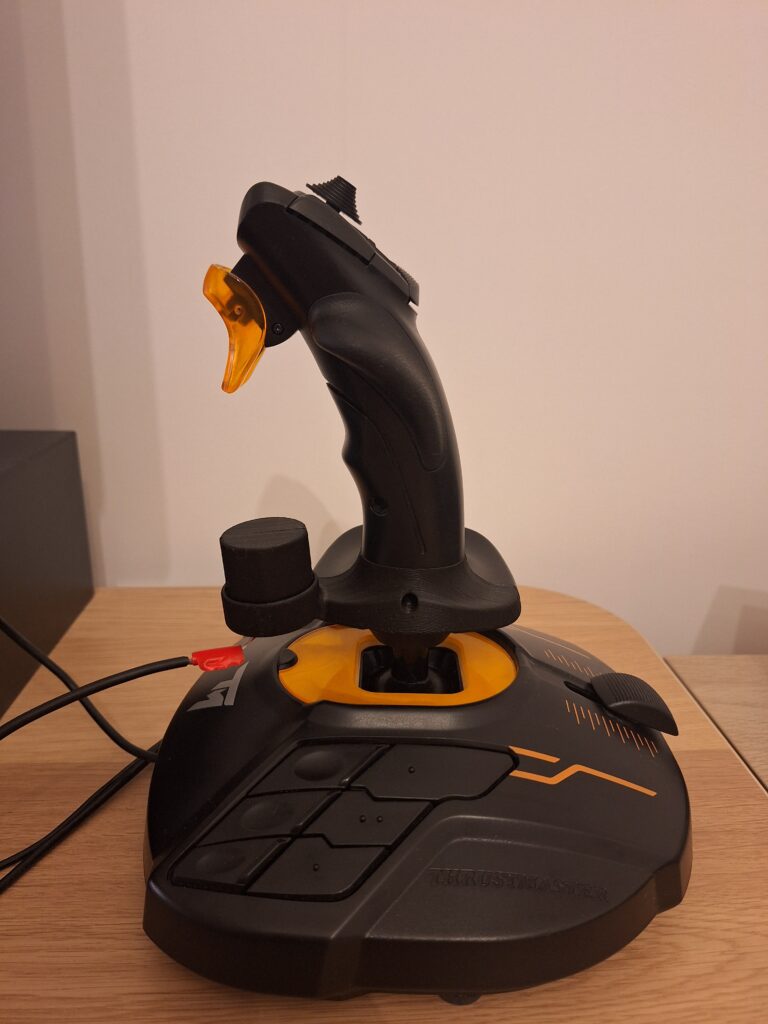
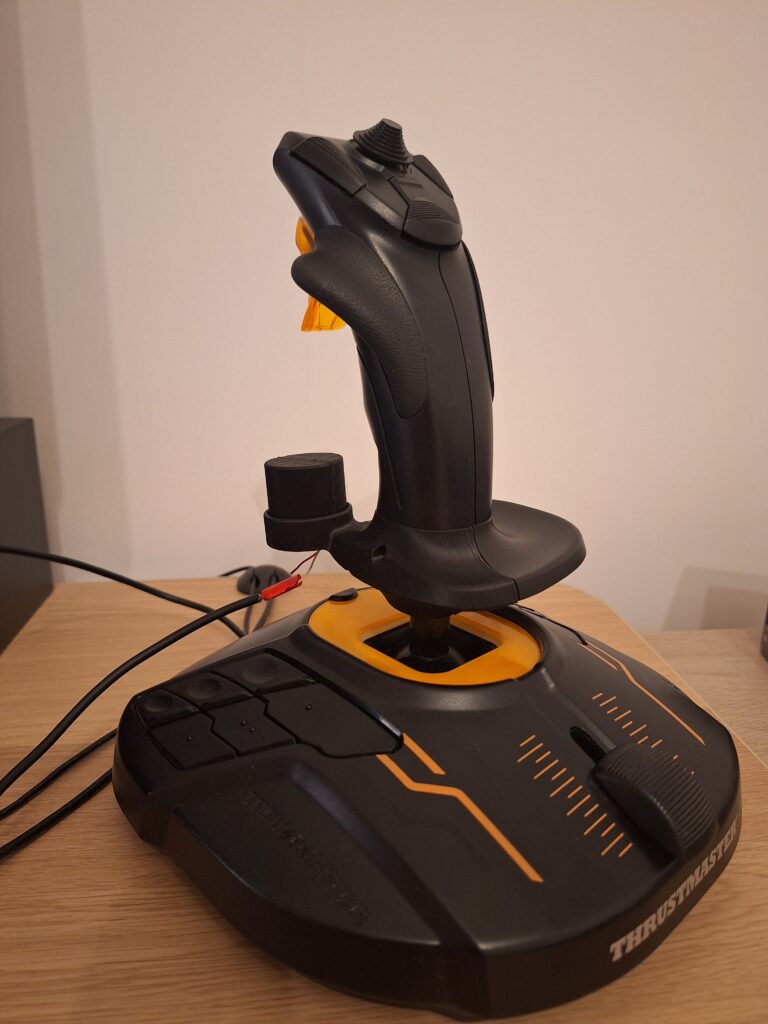
Hardware is based on Arduino Pro Micro that is built around Atmega 32u4 which can emulate a HID device. Thanks to its native USB connectivity it doesn’t need any USB to UART interface. At first I tested the circuit with L298N DC motor driver that can supply 2 A continuous per channel. It worked well but this driver is bit of overkill for a small shaker from an Xbox controller (peak starting current 260 mA). So then I switched to TB6612FNG driver. Both of these are controlled simply by a PWM signal which made the implementation easy. I also designed a 3D printed adapter for my Thrustmaster T.16000M joystick that works as a simple drop-in replacement. To install it you need to remove three screws that hold the original part and then replace it with the adapter.
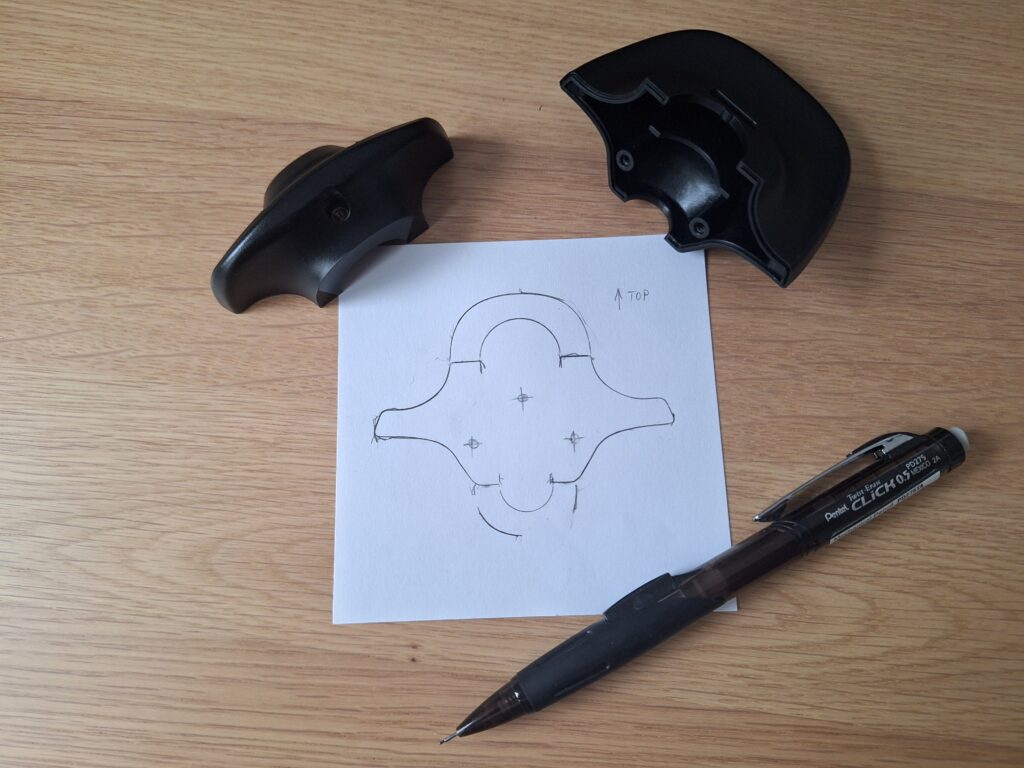
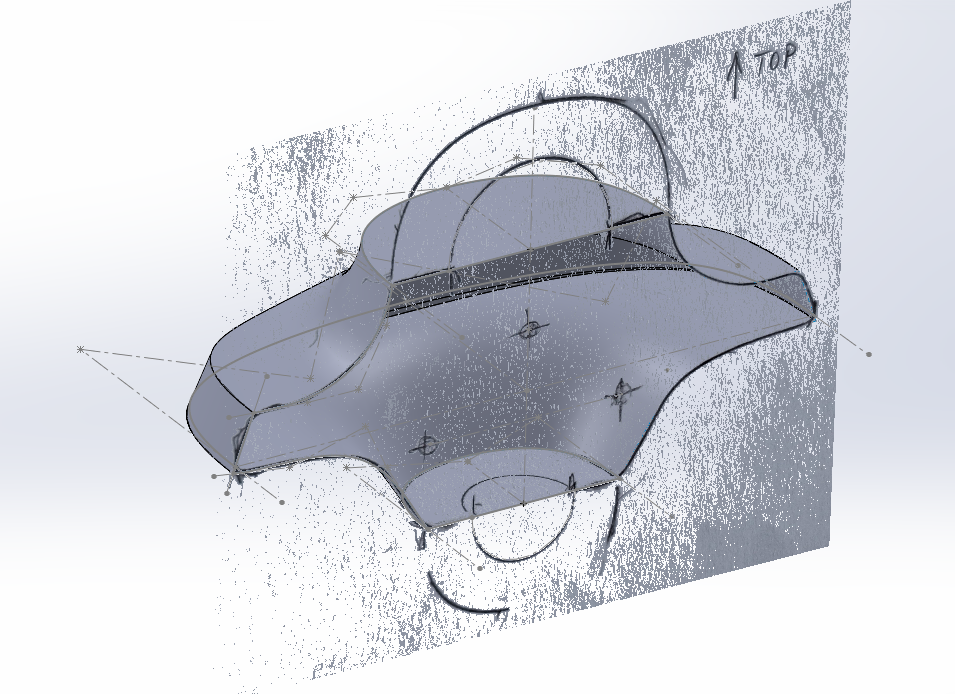
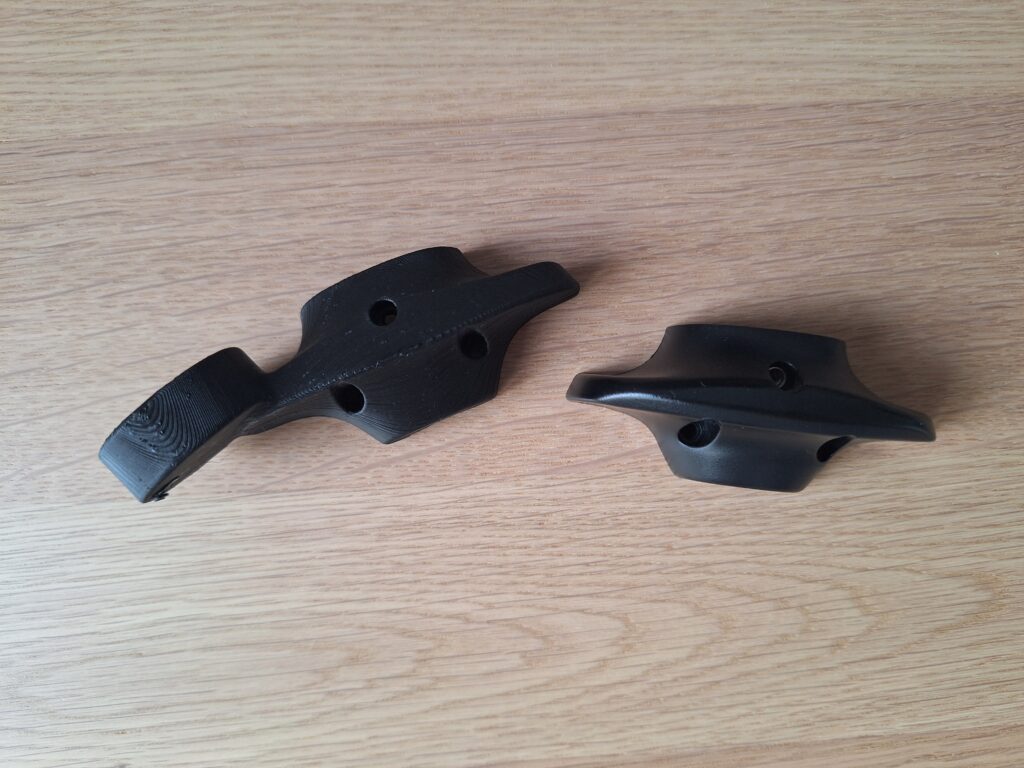
The support of DCS is somehow limited but working after all. It can emulate wing buffeting and even cannon firing for most of the modules. What about Microsoft Flight Simulator 2020 though? Unfortunately, MSFS does not support native FFB protocol so in order to get some haptic feedback out of it, one must listen to in-game events and quite often come up with their own logic of event assessment – there’s for example no flag for whether the aircraft is moving or not. For the interface the SimConnect API was used. Using examples from Prepar3D website and MSFS SDK documentation I built Windows Forms app using MS Visual Studio because it offers a simple way of GUI design. I coded a basic C# library for communication with serial devices like Arduino-based microcontrollers. It can handle multiple serial devices, time-outs etc. However, to keep it simple, no integrity checks like checksums/CRC was implemented.
In the end I implemented the following vibration effects due to (see the picture below):
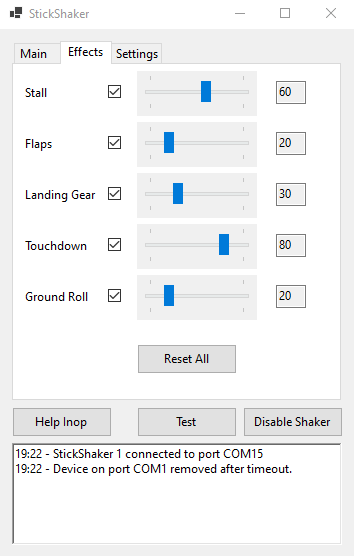
The gain of each of them can be set separately. I then went on and redesigned the PCB to accommodate for the motor driver directly which made soldering process easier and replaced USB connector with a DC barrel jack so the user cannot mix them up by accident. Unfortunately, I did not have enough time yet to assemble it and test it out.